


Start Your Project Today
Tell us about your project — we’ll get back within 24 hours

Founder
AI Fintech App Development
AI-Powered Finance Solutions
AI-Based Payment App Development
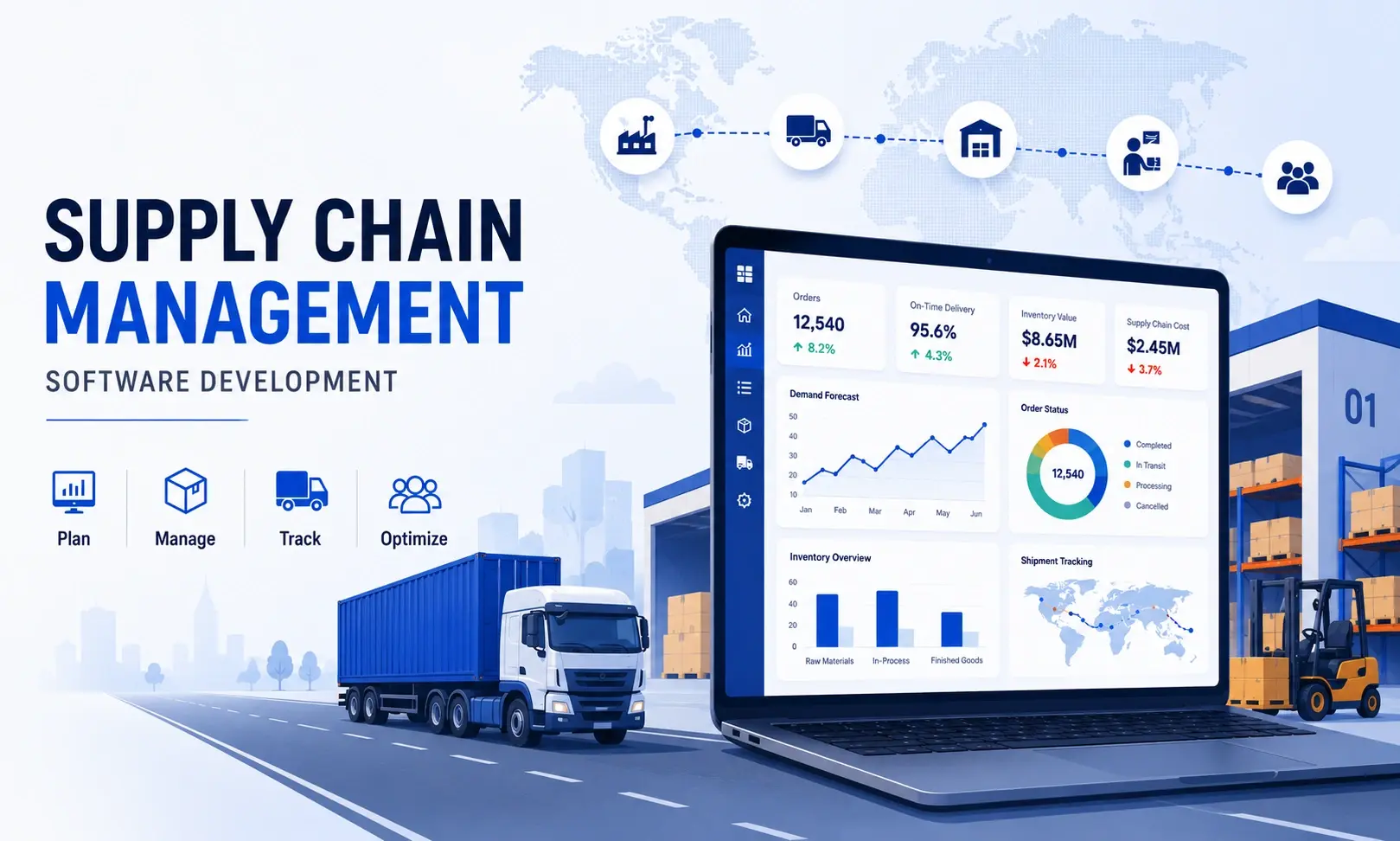
The global supply chain management software market reached $36.39 billion in 2026, growing from $33.39 billion in 2025, with projections of $56.01 billion by 2031 at a 9.01% CAGR, per the Mordor Intelligence SCM software market report. The investment is moving toward custom and tailored solutions. According to PwC’s 2025 Digital Trends in Operations Survey, 92% of supply chain leaders cited at least one reason why their technology investments had not fully delivered expected results: integration complexity (47%) and data issues (44%) being the top two. Off-the-shelf SCM platforms built for the average business are the source of both problems.
Supply chain management software development is the process of building custom digital systems that manage the flow of goods, information, and finances from procurement through delivery. Unlike off-the-shelf platforms, custom SCM software is built around the specific workflows, integrations, and business logic of a single organisation.
A custom-built SCM system covers five core areas:
For businesses focused specifically on transportation and last-mile operations, logistics app development is a specialised subset of the broader SCM product, with its own feature set and integration requirements.
This is the decision that determines your total cost of ownership over a three-year horizon. Both options have legitimate use cases; the right choice depends on your operational complexity and integration requirements.
Off-the-shelf SCM platforms (such as SAP, Oracle SCM, Blue Yonder, and NetSuite) offer fast deployment and predictable subscription costs. They work well for businesses with standard workflows that fit within the vendor’s feature set. The limitation is customisation: when your operations deviate from the vendor’s model, your team ends up working around the software instead of with it.
Custom SCM software is built from the ground up around your specific processes. It requires a higher upfront investment and a longer implementation timeline. The business case is straightforward: if your supply chain spans multiple geographies, includes multi-tier supplier networks, or requires deep integrations with existing ERP and IoT systems, custom development can deliver operational efficiencies that justify the investment within 18 to 36 months.
Three signals that a custom build is the right choice:
Choosing the right software development company for a custom supply chain management solution is just as important as the build-versus-buy decision itself. A development partner with proven experience in ERP integrations and supply chain data models can significantly reduce scope creep, integration risks, and long-term maintenance costs.
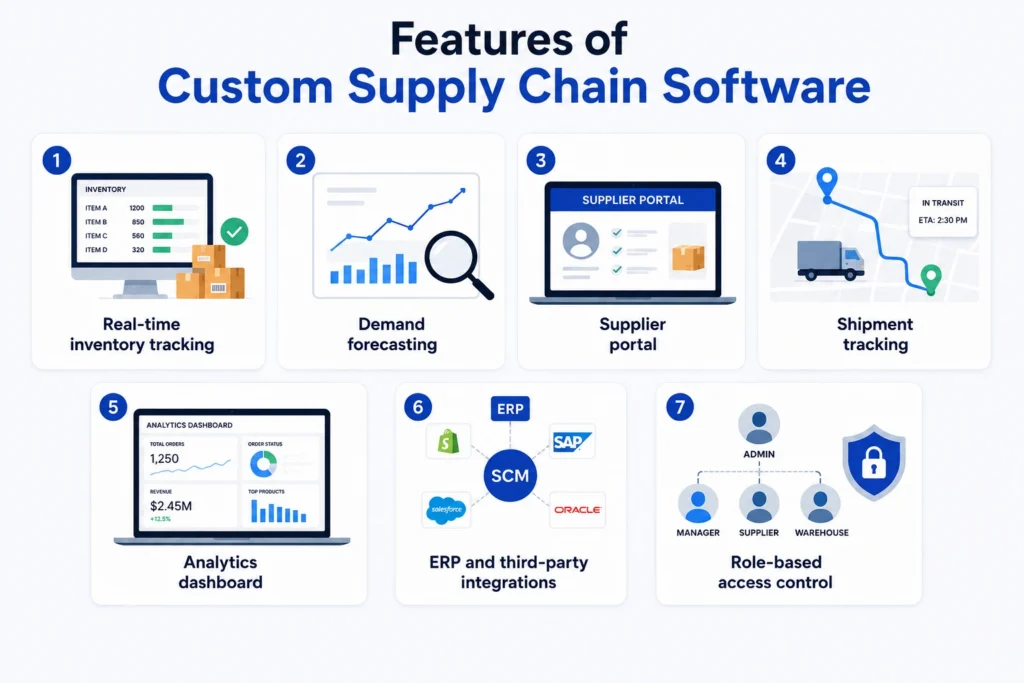
Feature scope is the primary cost driver in supply chain management software development. The right MVP covers one or two core modules well rather than attempting to build every feature at launch.
Key features by module:
For Indian businesses, two country-specific requirements often add scope that global platforms rarely support well: GST-compliant invoicing with e-way bill generation directly within the SCM workflow, and ONDC seller network integration for e-commerce development services managing warehouse inventory and online fulfilment from a single supply chain platform.
Development cost varies significantly by scope, team location, and integration complexity. The figures below use India-based development rates for the Rs column and blended global rates for the $ column.
| Scope | Development Cost (Rs) | Development Cost ($) | Timeline |
|---|---|---|---|
| MVP (1–2 modules: inventory + order management) | Rs 15 to 35 lakh | $18,000 to $45,000 | 10 to 16 weeks |
| Mid-range (full SCM with procurement, warehouse, logistics) | Rs 40 to 90 lakh | $50,000 to $120,000 | 18 to 28 weeks |
| Enterprise (multi-location, IoT, AI forecasting, ERP integration) | Rs 1 to 2.5 crore | $150,000 to $350,000 | 30 to 52 weeks |
Ongoing maintenance typically runs 15 to 25% of the initial build cost annually, covering bug fixes, security updates, performance work, and infrastructure costs. Custom middleware for legacy ERP integrations can consume up to 60% of project budgets in enterprise builds: the same pattern of post-scope cost accumulation covered in the breakdown of hidden costs in fintech app development applies equally to SCM builds, where integration complexity is underestimated at the scoping stage.
AI is no longer a premium feature in SCM software. Over 75% of organisations building SCM software planned to use advanced analytics and AI by 2026 (IMARC Group), and Gartner forecasts that SCM software with agentic AI will grow from less than $2 billion in 2025 to $53 billion by 2030. The Gartner agentic AI in SCM software forecast places this as one of the fastest-growing segments in enterprise software. In production builds, AI contributes to three specific areas:
For Indian businesses, these AI capabilities are especially valuable in multi-state logistics operations, where transit time variability, state-border compliance requirements, and monsoon-related disruptions create demand fluctuations that traditional rule-based forecasting cannot accurately predict.
Supply chain management software development is an architecture decision before it is a build decision. The modules you scope, the integrations you plan, and the data model you establish at the start determine how much the system costs to change, extend, or scale later. An MVP that is well-architected costs less to grow than a full-featured system that was not.
Zethic builds custom software for logistics, supply chain, and e-commerce businesses as part of our broader logistics software development practice, where the product decisions are made at the architecture stage. If you are evaluating a custom SCM build or planning to migrate from an off-the-shelf platform, Zethic is a good place to start.
Let Zethic help you build smarter Not just faster
An MVP takes 10 to 16 weeks. A mid-range SCM platform takes 18 to 28 weeks. Enterprise systems with multi-location support, IoT integration, and AI forecasting run 30 to 52 weeks. Timeline increases most significantly with legacy ERP integration complexity.
Off-the-shelf platforms are pre-built for standard workflows and deploy quickly. Custom SCM software is built around your specific processes, integrations, and business rules. Custom is the right choice when your operations deviate significantly from the vendor’s standard model, or when you need integrations that the vendor does not support natively.
Key features include inventory management, order processing, demand forecasting, vendor management, logistics optimization, and analytics. Advanced systems also include real-time tracking, AI-based insights, and integration with ERP or CRM platforms.
GST-compliant invoicing and e-way bill generation within the SCM workflow are the most common India-specific requirements. ONDC seller network integration is increasingly relevant for e-commerce-connected supply chains. Multi-state logistics compliance and state-border documentation for interstate shipments add scope that most global off-the-shelf platforms handle poorly.
Ram brings deep expertise in product strategy and system architecture across fintech, SaaS, and AI platforms. He specializes in pre-execution planning to help teams build scalable technology foundations and avoid costly rebuilds.

Adding {{itemName}} to cart
Added {{itemName}} to cart