

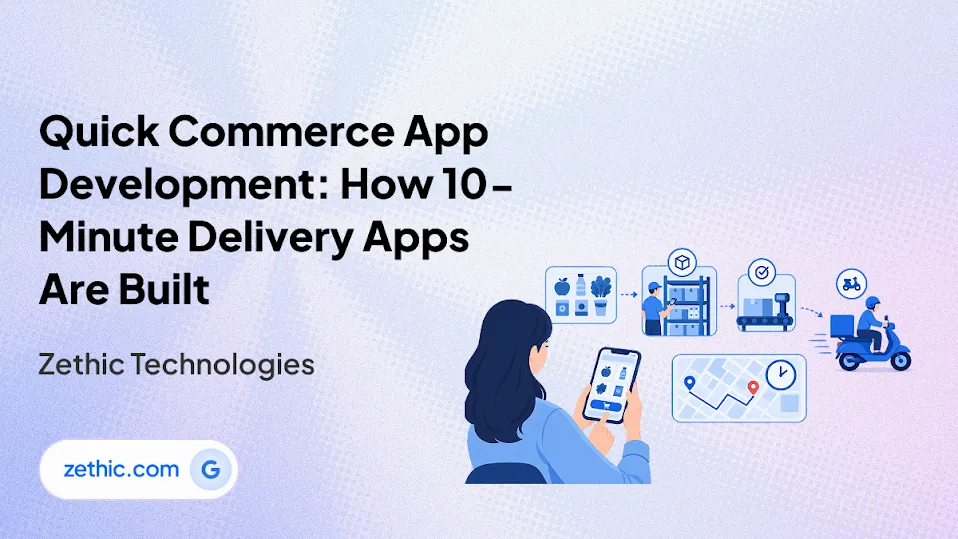
Promising a delivery in minutes means every part of the system behind the order screen must work to the same clock. Accurate stock counts and quick rider assignment keep that promise intact before the customer notices any wait. Quick commerce app development therefore starts with how orders move through stores and riders, not with how screens look.
What Is Quick Commerce App Development?
Quick commerce app development is the design and engineering of the apps and back-end systems that deliver groceries and daily items within minutes. A customer app connects to a nearby dark store and to the riders who complete the delivery. A dark store is a small warehouse used only for online orders, with stock tracked in the same kind of warehouse management system used in larger warehouses.
Quick commerce delivery software coordinates that chain. The work differs from standard retail app projects because the app, the store, and the rider must act within a few minutes of each other.
Three apps usually share one back end:
-
Customer app: Browsing, ordering, payment, and live order tracking.
-
Dark store app: Order picking, packing, and stock counts for store staff.
-
Rider app: Delivery assignment, navigation, and proof of delivery.
An admin panel sits above all three to manage catalogs, prices, zones, and reports.
How Does a 10-Minute Grocery Delivery App Work?
A 10-minute grocery delivery app routes each order to the closest dark store that holds every item. The order then moves through five steps:
-
Order placed: The customer chooses items and confirms the order with a delivery address.
-
Store assigned: The system picks the store by distance and available stock.
-
Picking and packing: Store staff receive a pick list, the list of items to collect, sorted by shelf location.
-
Rider assigned: Dispatch matches a nearby rider and often groups close drop-offs.
-
Delivery and tracking: The customer sees the rider's live location until handover.

Each step has a time budget, so a delay at picking or assignment shortens the time left for delivery. Grouping drop-offs for one rider depends on delivery management software, which keeps several orders within the delivery window.
Which Apps and Features Does a Quick Commerce Platform Need?
Quick commerce app development covers four connected products, and each one serves a different user. The table shows who uses each app and what it must do.
|
App |
Main Users |
Core Functions |
|
Customer app |
Shoppers |
Catalog search, cart, payment, live tracking, order history |
|
Dark store app |
Pickers and store managers |
Pick lists, packing status, stock counts, substitutions |
|
Rider app |
Delivery riders |
Order assignment, route navigation, status updates, proof of delivery |
|
Admin panel |
Operations and finance teams |
Zones, pricing, catalog, rider payouts, reports |
Quick commerce delivery software links these four through one order record. An order management system keeps that record current, so a status change in one app shows in the others. Keeping the record accurate matters more than any single screen.
How Do You Build a Quick Commerce App Step by Step?
To build a quick commerce app, start with the smallest working operation and widen it only when the numbers hold:
-
Pick one delivery zone: Choose one dark store and a delivery radius small enough to meet the time promise.
-
Map the order flow: Write down each step from checkout to handover, with a target time for each.
-
Design the three apps around that flow: Test prototypes with store staff and riders as well as shoppers.
-
Build order and stock records first: Stock counts, order statuses, and rider assignment rules come before extra features.
-
Pilot in the single zone: Track delivery time, order accuracy, and rider idle time for several weeks.
-
Add zones: Repeat the setup only after the pilot meets its targets.
Quick commerce app development reaches a full city launch only after one zone works, and this sequence follows that rule. A pilot is usually scoped as a minimum viable product, a first version limited to order and stock records, and MVP development services follow that same approach.
How Do You Keep a Quick Commerce App Fast as Order Volume Grows?
Speed holds as order volume grows when five points are planned early.
-
Busiest hours: Size ordering and dispatch for the hours with the most orders.
-
Stock accuracy: Keep stock counts exact, because a cancelled order costs more than a slower delivery.
-
Rider numbers: Match the number of riders near each store to the order volume.
-
Delivery estimates: Base time estimates on picking time and traffic, not distance alone.
-
Store layout: Arrange pick paths and shelf locations so packing runs quickly.
Most of these points sit in logistics software development, covering dispatch, stock, and routing. Quick commerce app development plans for them early, and testing them in the pilot zone shows which one limits speed first.
Which Data Rules Apply to a Quick Commerce App?
A quick commerce app collects names, phone numbers, delivery addresses, order history, and live location. In India, the Digital Personal Data Protection Rules govern how businesses handle that data, with an 18-month phased compliance timeline. For other countries, quick commerce app development follows the local data protection law in the same way.
Four rules turn into screens and workflows:
-
Notice: Show a separate, plainly worded notice that states why each type of data is collected.
-
Consent: Ask for consent for each purpose, and obtain verifiable consent for a child's data.
-
Requests: Respond to access, correction, and erasure requests within a maximum of 90 days.
-
Breach notice: Inform affected users promptly, in plain language, after a breach.
Quick commerce app development stays simpler when these four rules are built into the first release.
What Drives Quick Commerce App Development Cost and Timeline?
Cost and timeline depend on scope, not on the number of screens alone. A single-zone pilot needs far less than a multi-city launch.
-
Number of apps: Three apps plus an admin panel take more effort than a customer app alone.
-
Dispatch logic: Nearest-rider assignment is quicker to build than grouping orders and predicting delivery times, and a quick commerce delivery platform includes dispatch logic of this kind.
-
Inventory connections: Linking stock counts to existing store or supplier systems adds effort.
-
Payments and compliance: Payment methods, consent screens, and data workflows add testing time.
-
Zones and cities: Each new zone needs setup, a catalog, and rider onboarding.
A scoped estimate for one zone gives a firmer figure than a generic range, because each zone repeats most of the same setup work.
So How Should You Start Quick Commerce App Development?
Quick commerce app development works best when it starts from one zone and a clear order flow, then widens once delivery times hold. This returns to the opening point: a fast delivery promise depends on stock counts, dispatch, and riders working together. Zethic works with retailers on quick commerce delivery software that assigns each order to a rider, and on the customer, store, and rider apps around it.